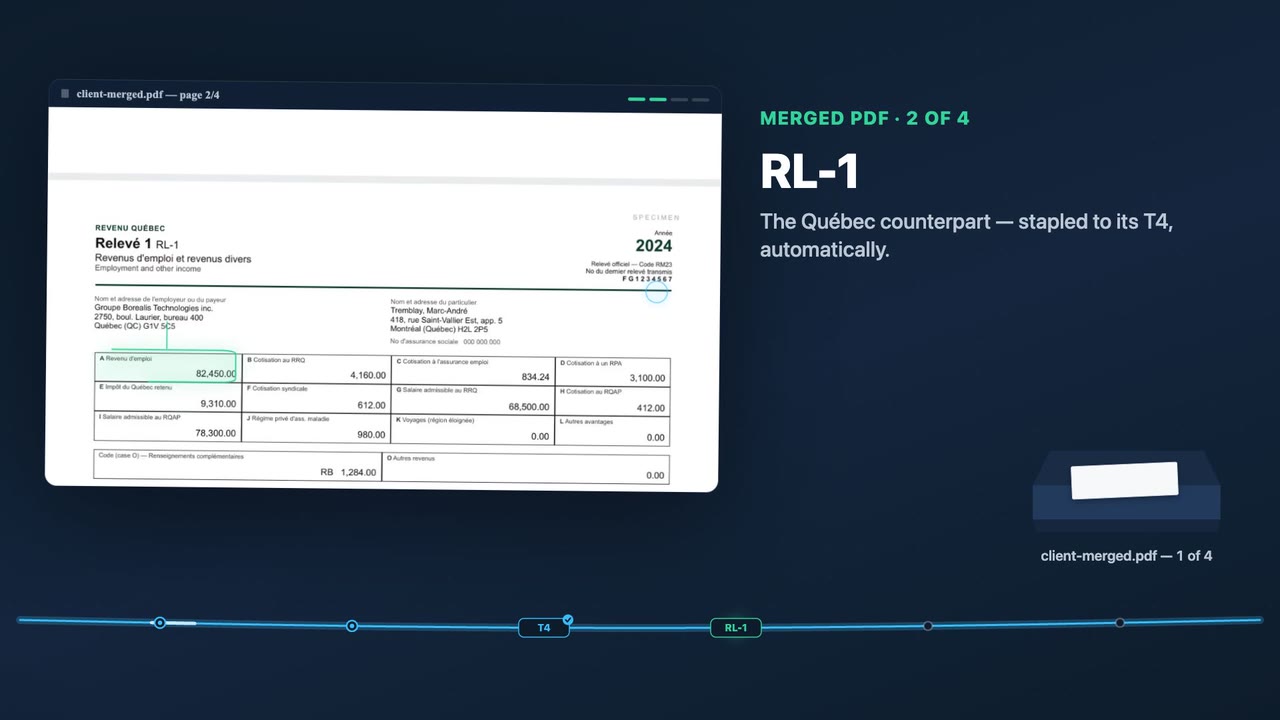
A local AI reads, classifies and orders every slip the way you tell it to — then merges them into one correctly-ordered PDF. It even reads scanned pages with on-device OCR. A real 11-document bundle is organized in about 100 seconds, fully on your Mac. Built for Quebec & Canadian slips: T4, RL-1, T4A, T5, RL-3, REER. Not a single page is ever sent to the cloud.
No credit card. Runs entirely on your computer — nothing to upload. macOS, Windows, and Linux.
macOS — signed & notarized by Apple: just open it, no warnings. Windows — unsigned for now, so on first launch click “More info” → “Run anyway” (one time). Needs Ollama (free) for the local AI — setup link in the app.
Point it at a client folder. Write your own sorting rules once. A local LLM (via Ollama) classifies every document — even scanned ones, read with on-device OCR — orders them your way, lets you review, and exports one merged PDF per client. About 100 seconds for a full bundle on a 16GB Mac, or near-instant via an optional paid cloud speed lane.
TaxDome, SmartVault, Canopy and Dext lead with compliance badges precisely because client files sit in their cloud. Pasting documents into ChatGPT ships client SINs to a third party. PDF Insight removes the risk instead of insuring it.
Client files uploaded to someone else's servers. You're trusting their breach response.
The AI runs on your machine. Files are read locally and never transmitted. Nothing to breach.
Prices in CAD. 14-day free trial, no card required.
Straight answers for accountants and bookkeepers evaluating a private, local document tool.
No. In the default local tier, PDF Insight runs entirely on your own computer. Your clients' tax PDFs are read, classified and merged on-device and are never uploaded to any server. An optional, clearly-labelled paid cloud speed lane (powered by Cerebras) can be turned on for near-instant processing; only then do documents leave the machine. The local tier is the default — nothing leaves your machine when you use it.
Yes. The local tier works fully offline. The AI model runs on-device through Ollama and the OCR runs on-device through Tesseract, so PDF Insight can organize and merge a client's documents with no internet connection. The licence check is offline-tolerant with a grace window, so it won't break on an air-gapped tax-season machine.
PDF Insight is built for Quebec and Canadian tax slips, including T4, T4A, T5, RL-1, RL-3, RL-31, RRSP/REER contribution receipts and FHSA documents. Because it uses a local LLM to read and classify documents, you can also write your own rules to handle any other document in a client's pile.
Point PDF Insight at the client's folder, write your sorting rules once, and the local AI classifies and orders every slip the way you specified. You review the result and export a single merged, correctly-ordered PDF for that client. A real 11-document bundle is organized in about 100 seconds on a 16GB Mac.
Yes. PDF Insight reads scanned and image-based pages with on-device OCR using Tesseract, so scanned slips are classified and ordered just like native digital PDFs. The OCR runs locally and scanned pages are never sent to the cloud in the local tier.
Yes. PDF Insight is a desktop application that runs on both macOS and Windows. On a 16GB Mac it organizes a full client bundle in about 100 seconds entirely on-device.
TaxDome, SmartVault and Canopy are cloud document vaults that store your clients' files on their servers and charge per seat. PDF Insight is a local organizer that runs on your own machine and pre-sorts and merges the pile before it ever reaches a vault. Because nothing is uploaded in the local tier, there is no third-party copy of client data to breach. It also speaks Quebec slip vocabulary (T4, RL-1, RL-31) in French and English, which the US cloud tools do not.
A real 11-document client bundle is organized in about 100 seconds fully locally on a 16GB Mac. If you enable the optional paid cloud speed lane (Cerebras), the same work completes in roughly one second of compute.